- Alerts
- Getting started
Setting up store change alerts your team will actually read
Alerts only help if people read them. How to choose channels, which store changes deserve a notification, and how to pair daily digests with weekly reports.
- Author
- Extenify Team
- Published
- Reading time
- 5 min read

On this page
Every team that monitors something eventually learns the same lesson: an alert nobody reads is worse than no alert at all, because it creates the feeling of being covered. The goal of store change alerts is not to report everything that happens to your listings. It is to put the handful of changes that need a human in front of the right person, in a place they already look.
This guide covers how to set that up for browser extensions and mobile apps: where alerts should go, which changes deserve one, and how daily alerts and periodic reports fit together.
Decide where alerts should land
The best channel is the one your team already reads during the day. For a solo developer that is often email. For a team it is usually the chat tool where release discussions already happen.
Extenify can deliver to five channels:
| Channel | Good fit for | Notes |
|---|---|---|
| Solo developers, account owners | Always on for your account email | |
| Telegram | Individuals who want alerts on their phone | Verified with a six-digit code |
| Slack | Teams that coordinate releases in Slack | Verified with a six-digit code |
| Discord | Communities and open source projects | Verified with a six-digit code |
| Microsoft Teams | Companies standardised on Teams | Verified with a six-digit code |
The free plan includes email alerts, and paid plans add the other four. Every channel other than email must pass a six-digit verification before it receives anything. That small step prevents the most common alerting mistake: a webhook pasted into the wrong room, sending your store data to people who never asked for it.
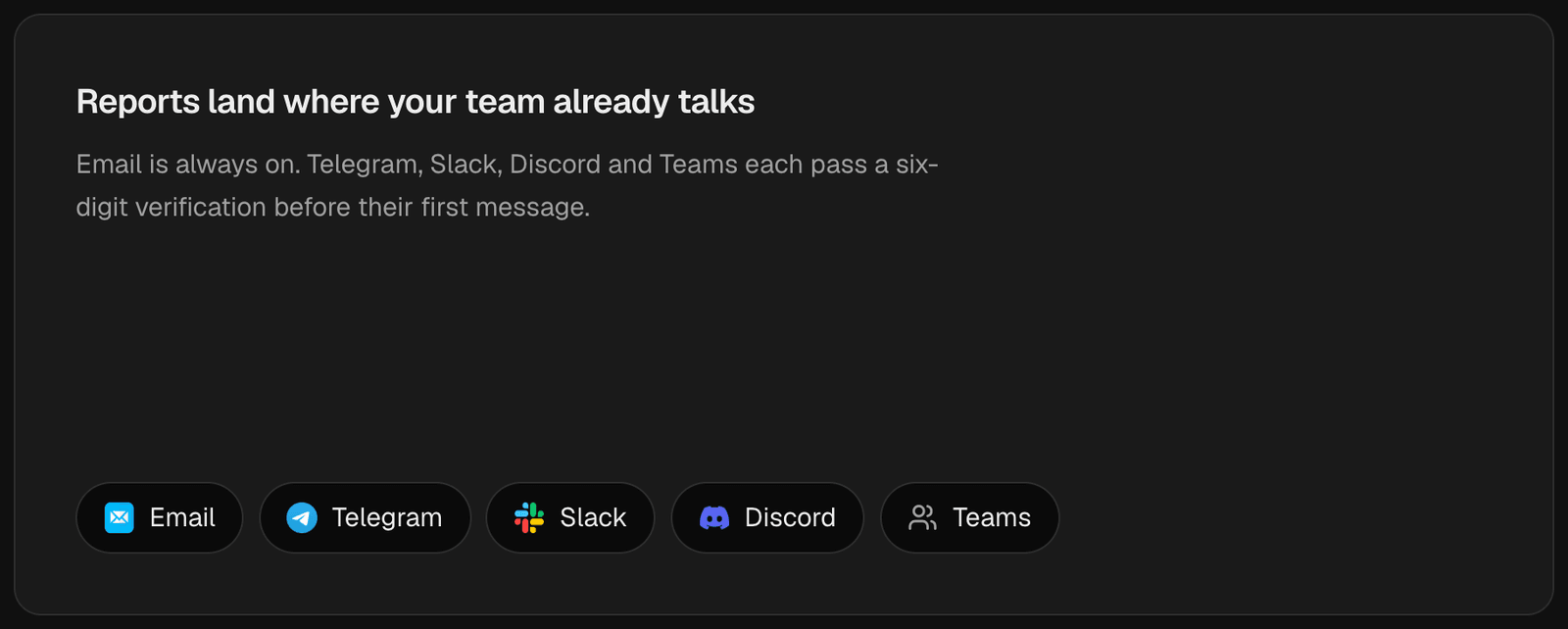
The five channels a digest can go to. Every channel other than email passes a six-digit check first.
Prefer one digest over many pings
A single release can change several things at once: a new version, a package size change, a permission change and the first reviews. Sent as separate messages, that is five pings in a row, and the fifth one gets ignored.
Extenify runs change detection once a day and sends one cross-platform digest per app to its channels. Each line names the exact change: the old value, the new value, and the rule that fired. The digest groups changes into four families so the important ones are easy to scan:
- Ranking: category rank improved or dropped, entered or dropped out of a ranking.
- Growth: installs climbing or falling, install growth accelerating or slowing.
- Reviews: rating dropped or recovered, new reviews, unusual bursts of reviews, rating count changes.
- Listing: new versions, permission and manifest changes, package size, and edits to the name, publisher, website, privacy policy link or category.
The digest is capped per listing, and it reserves room for each family that fired, so one noisy family cannot push a rating drop out of view. Every rank that moved is still reported.
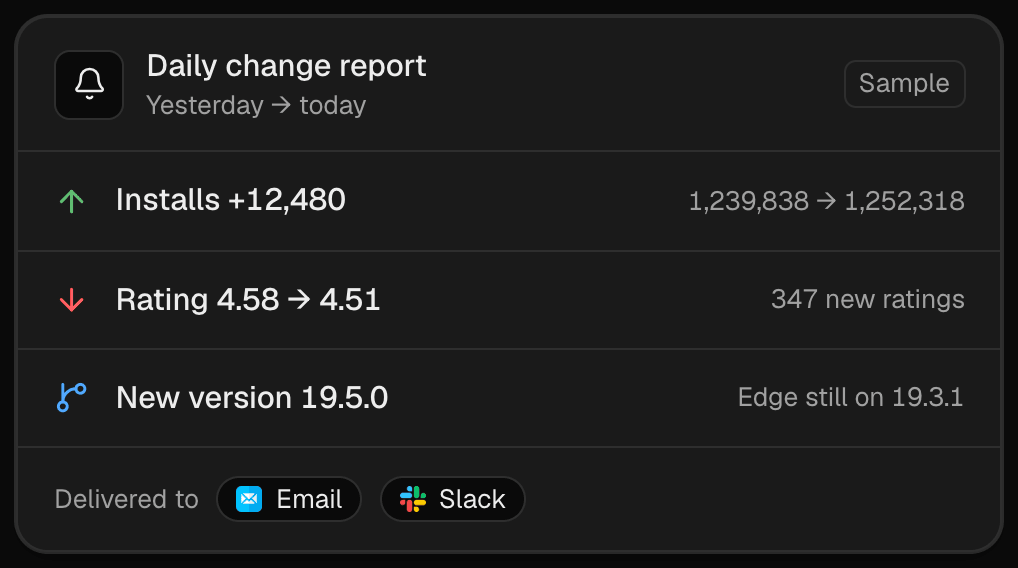
One digest, three changes, each with the old value and the new one.
Choose which changes deserve attention
Not every change needs the same response. A useful way to think about it is by urgency:
Act the same day
- Listing downloads blocked. The store has stopped offering your listing. Everything else can wait.
- Requests more permissions. Especially if you did not intend it. Users may be asked to approve the change before the update applies.
- Rating dropped on an established listing with many ratings.
Look this week
- New low-star reviews and unusual bursts of new reviews.
- Installs falling across several days.
- Category rank dropped or lost featured placement.
- A store still serving an older version than the others.
Good to know
- Listing text and link edits you made yourself.
- Package size changes that match a planned release.
- Installs climbing, rating recovered and rank gains, which are worth sharing with the team.
If you track competitors as well, route their digests to a separate channel from your own products. Competitor changes are interesting, but they rarely need a same-day response, and mixing them in trains people to skim.
Trust comes from not crying wolf
Nothing destroys confidence in an alert faster than a false alarm. A classic example in store monitoring is a data source failing for one capture and a naive comparison reporting that installs dropped to zero or that every ranking was lost.
Extenify only compares a field when both daily captures actually carry data for it. If a value was missing on either side, that is treated as "no data" rather than "changed", so a temporary gap does not page anyone. When a digest arrives, the change it describes happened.
Pair alerts with periodic reports
Daily alerts are for changes. Trends are easier to see over a longer window, which is what reports are for.
- The weekly report covers the previous Monday to Sunday and arrives on Monday.
- The monthly report covers the previous calendar month and arrives on the 1st.
Both arrive at your digest hour in your own timezone and summarise every app you track: users, rating and new ratings against the previous period, per-store rows with a daily sparkline, releases, category ranks and a few plain-language takeaways. The monthly report needs at least 30 days of history, so the free plan receives the weekly report only. Both are on by default and can be switched off under Notifications, where you can also preview the latest report and send yourself a test copy.
Alerts tell you something changed today. Reports tell you whether this month was better than the last one. You want both.

The weekly report is a good fit for a short Monday review with the team. Photo: fauxels / Pexels
A setup that works for most teams
- Keep email on for the account owner as the fallback channel.
- Add one team channel (Slack, Discord or Teams) for your own products, and verify it.
- Put competitor tracking in a separate channel, or leave it on email only.
- Agree who reads the digest each day, even if it is a thirty-second skim.
- Keep the weekly report on and read it on Monday with the team.
- After a month, review which alerts led to action and adjust what you follow.
If you are shipping a release this week, pair this setup with our checklist of what to watch after an extension release.
Summary
Good alerting is mostly restraint. Send changes to the place people already look, bundle them into one daily digest, make sure every alert describes something that actually happened, and let weekly and monthly reports carry the trends. The result is a notification your team opens instead of muting.
Image credits
- Cover photo: Young Professional Woman Using Smartphone in Office by Vitaly Gariev on Pexels, Pexels License.
- Team photo: People Looking on White Laptop by fauxels on Pexels, Pexels License.